How This Works
A quick guide to getting the most out of these tutorials.
Set Your Expectations
This is a passion project, not a polished course. I'm a developer who loves automation, not a full-time content creator. The videos are casual, the production is minimal, and I'm building these tutorials in my spare time between client work and family life.
That said — the workflows are real, the skills transfer to actual business use cases, and I genuinely want you to succeed. Just know that 'perfect' isn't the goal here. 'Useful' is.
📍 How to Navigate
Pick a tutorial
Start with Holiday Countdown Bot if you're brand new to n8n. They build on each other slightly, but each one stands alone.
Watch the video
Follow along at your own pace. Pause, rewind, skip around. I won't know.
Build it yourself
The real learning happens when your hands are on the keyboard. Copy the workflow or build from scratch.
Check the resources
Each tutorial has code snippets, concept explanations, and links to docs. Use them.
Make it your own
The bonus ideas aren't homework. They're suggestions for how to extend what you built into something useful for YOU.
What You'll Find on Each Tutorial Page
Here's a quick tour so you know where everything is.
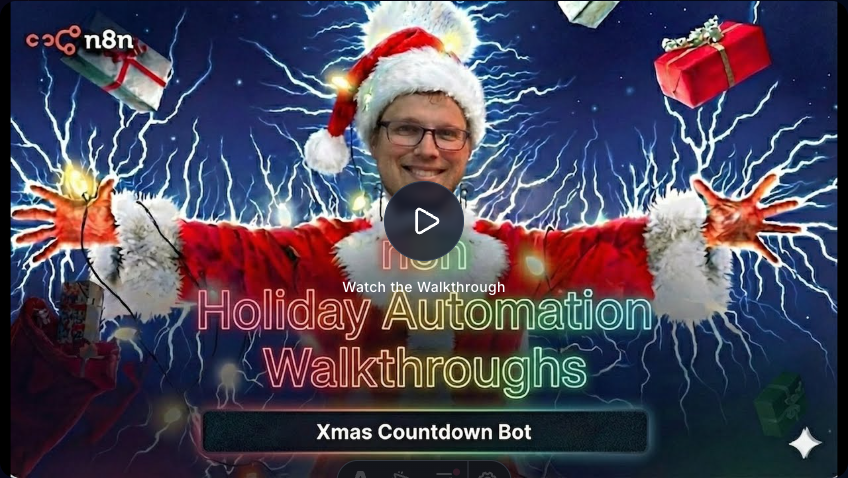
Video Walkthrough
Watch me build the entire workflow from scratch. Pause, rewind, speed up — whatever works for you. The video is the main event, but everything below supports it.
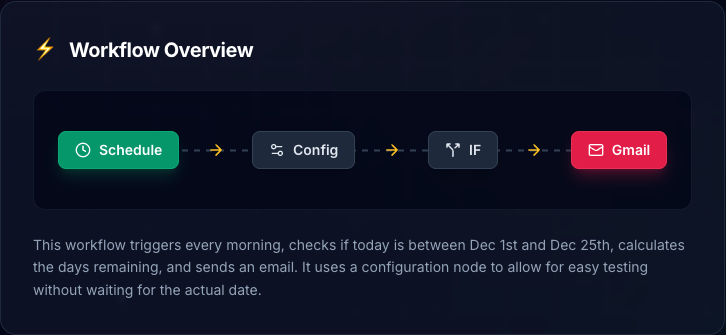
Workflow Overview
See the complete automation at a glance before you build it. Each colored pill is an n8n node. Follow the arrows left to right to understand the flow. This is your roadmap.
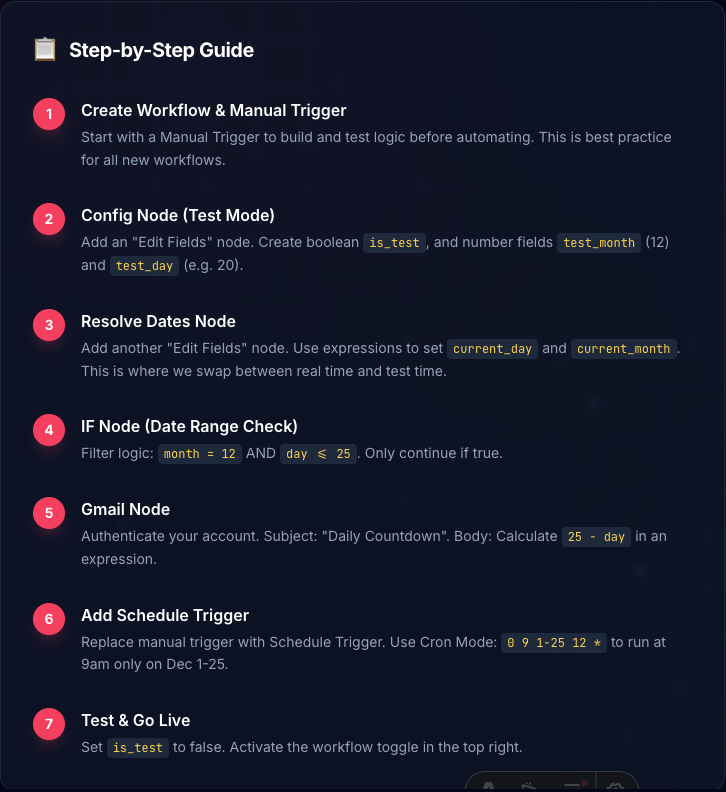
Step-by-Step Guide
Detailed instructions for each part of the build. Follow along with the video or use these as a reference when you get stuck. Each step tells you exactly which node to add and how to configure it.
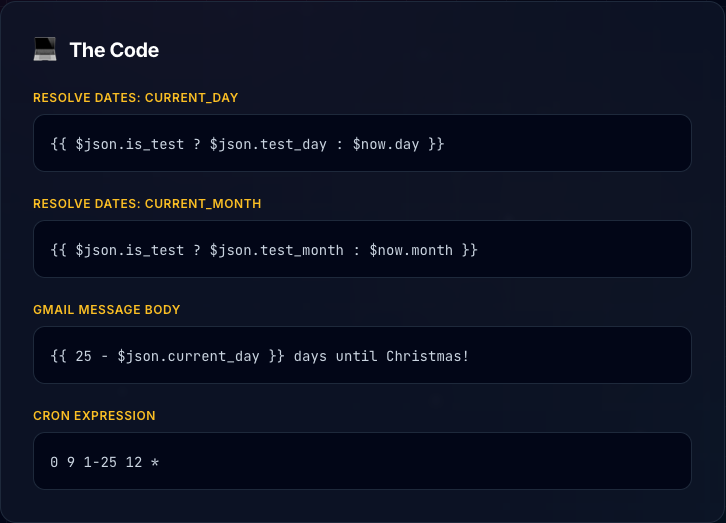
The Code
Copy-paste ready expressions and code snippets. Click the copy button to grab the exact syntax. No typos, no guessing.
Get the Workflow
Don't want to build from scratch? Download the complete workflow JSON and import it directly into your n8n instance. Great for comparing your work or skipping ahead.
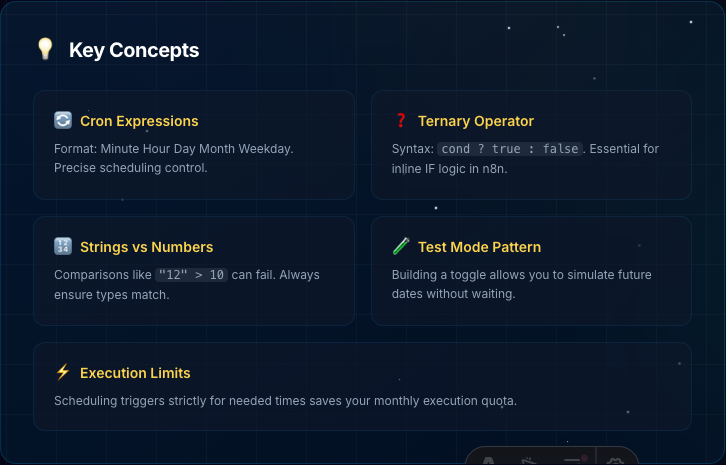
Key Concepts
The 'why' behind the 'how.' These cards explain the underlying concepts — cron expressions, ternary operators, test patterns — so you actually understand what you're building, not just copying.
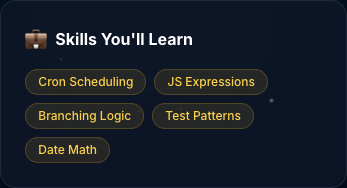
Skills You'll Learn
A quick snapshot of the transferable skills in each tutorial. These aren't just holiday tricks — they're real automation patterns you'll use in business workflows.
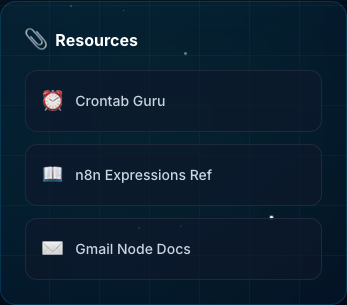
Resources
Links to official docs, tools, and references. When you want to go deeper or troubleshoot something specific, start here.
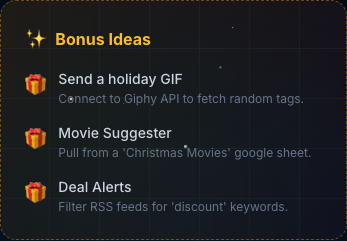
Bonus Ideas
Ways to extend the workflow into something more useful for you. Not homework — just inspiration. Pick one that sounds fun and make it your own.
You don't need to use every section. Watch the video, build the workflow, and dip into the rest when you need it.
🛠️ What You'll Need
- An n8n account (cloud or self-hosted) — it's free to start
- A Google account (for Gmail and Sheets integrations)
- 30-45 minutes per tutorial
- Willingness to tinker and break things
- API keys for AI services (OpenAI, Anthropic, etc.) — some tutorials use LLMs
Hit a Wall?
These tutorials aren't perfect, and n8n changes fast. If something doesn't work, you're probably not the problem.
Drop a message in the Slack channel. I check it regularly, and other learners might have hit the same issue. No question is too basic.
Ready to build something?
Pick a tutorial and let's go.
View Tutorials